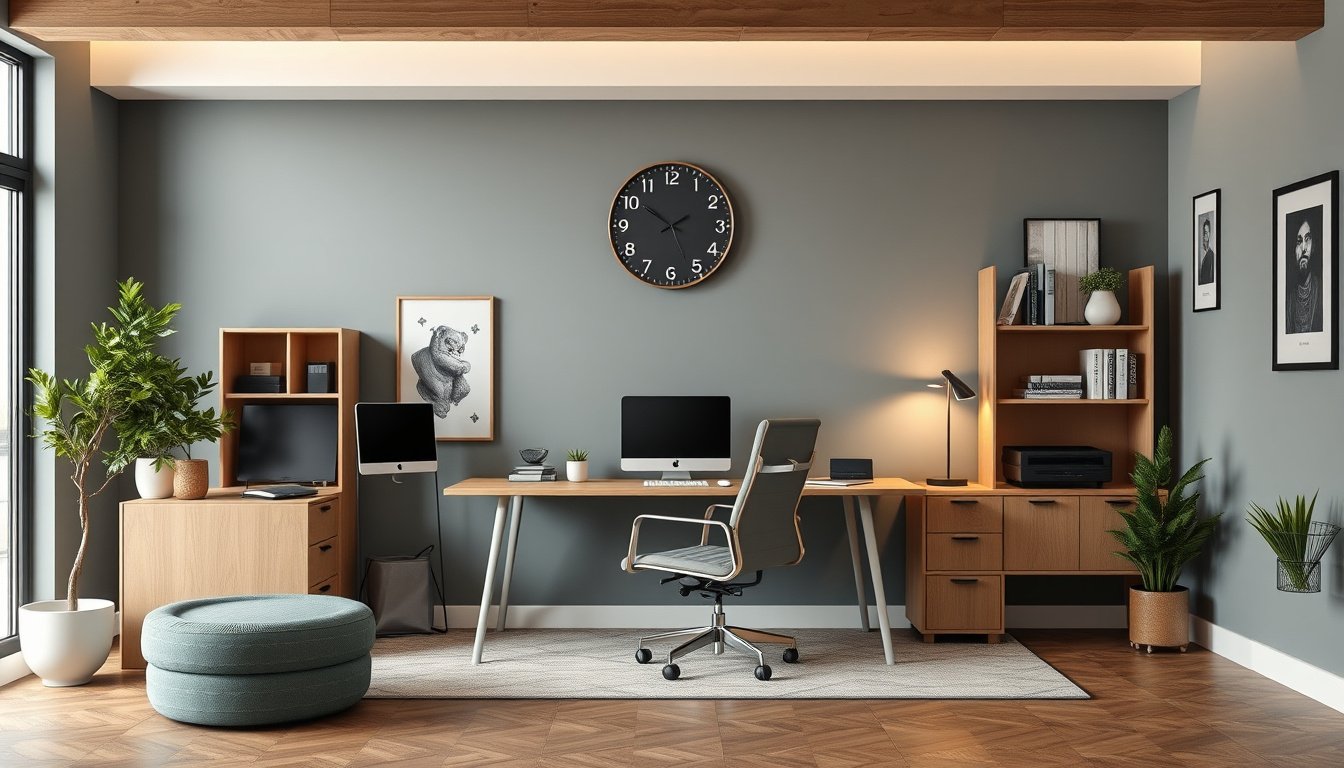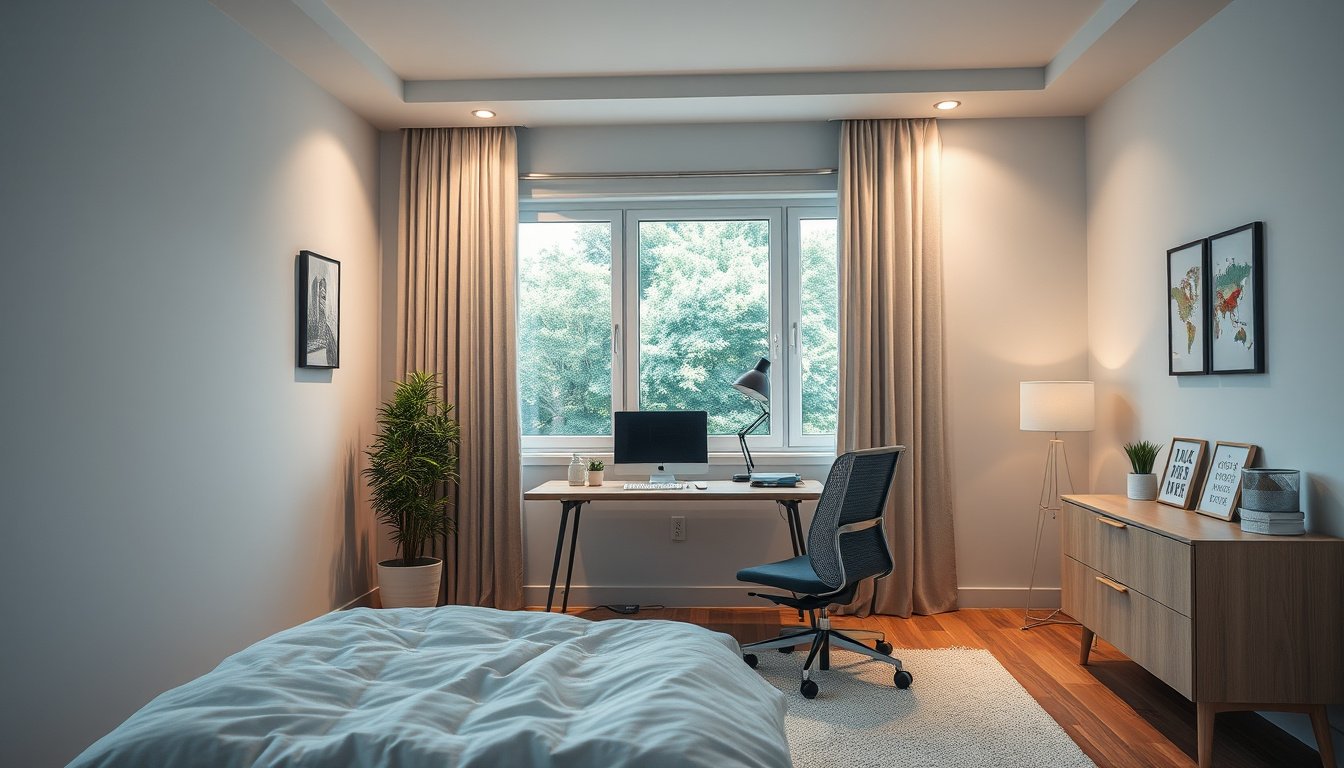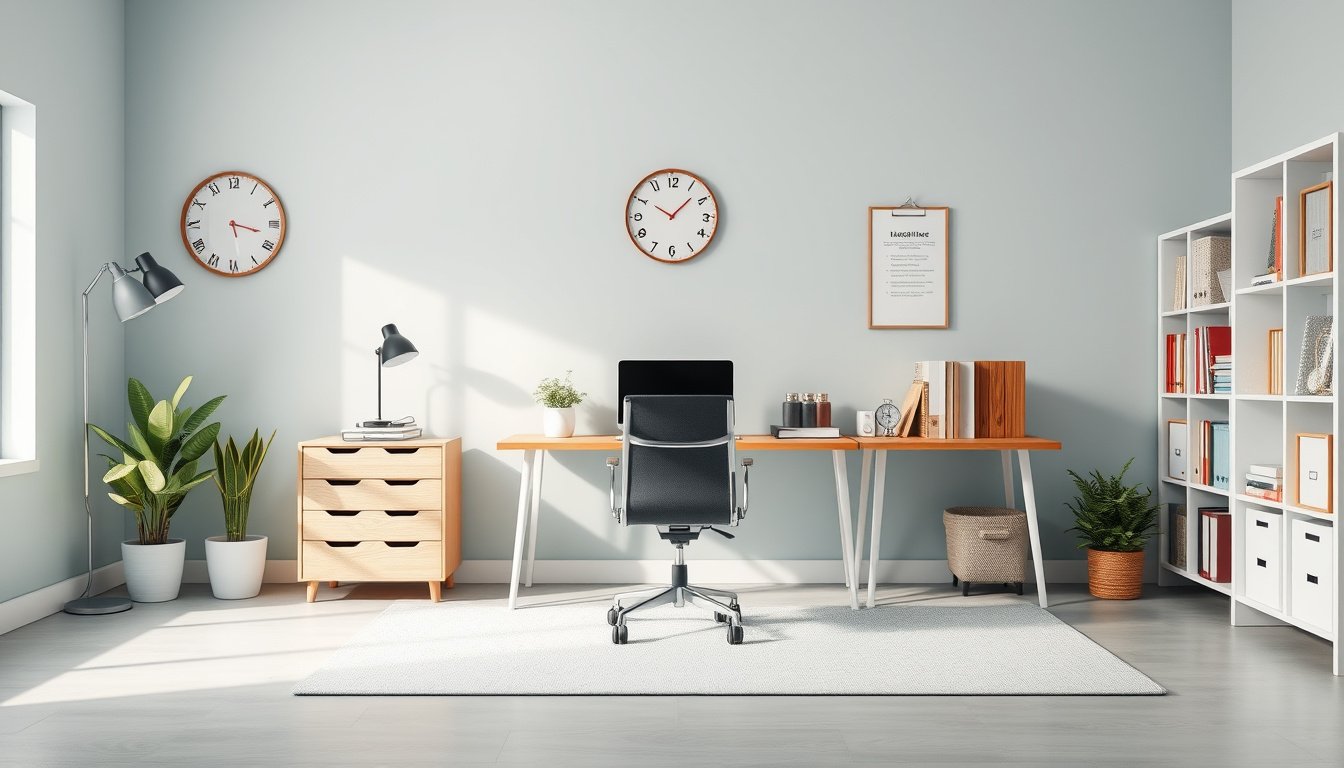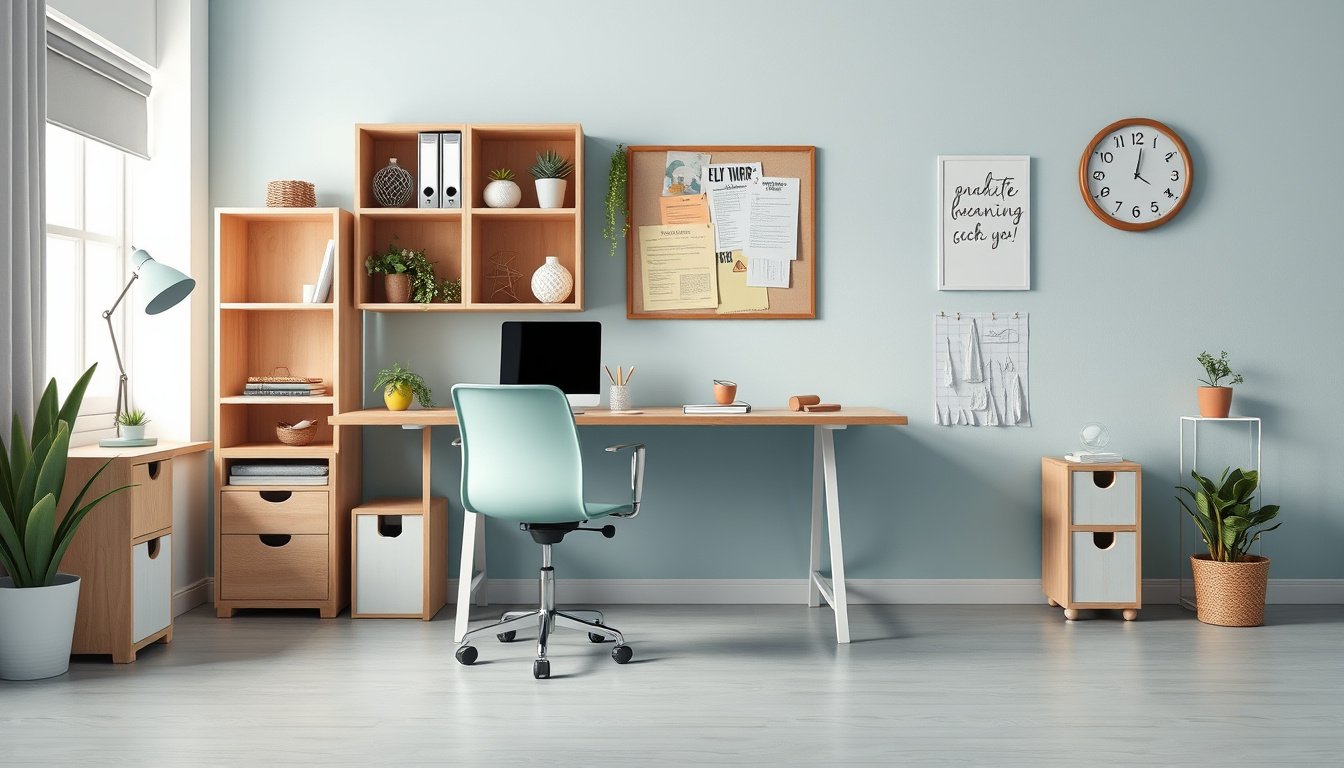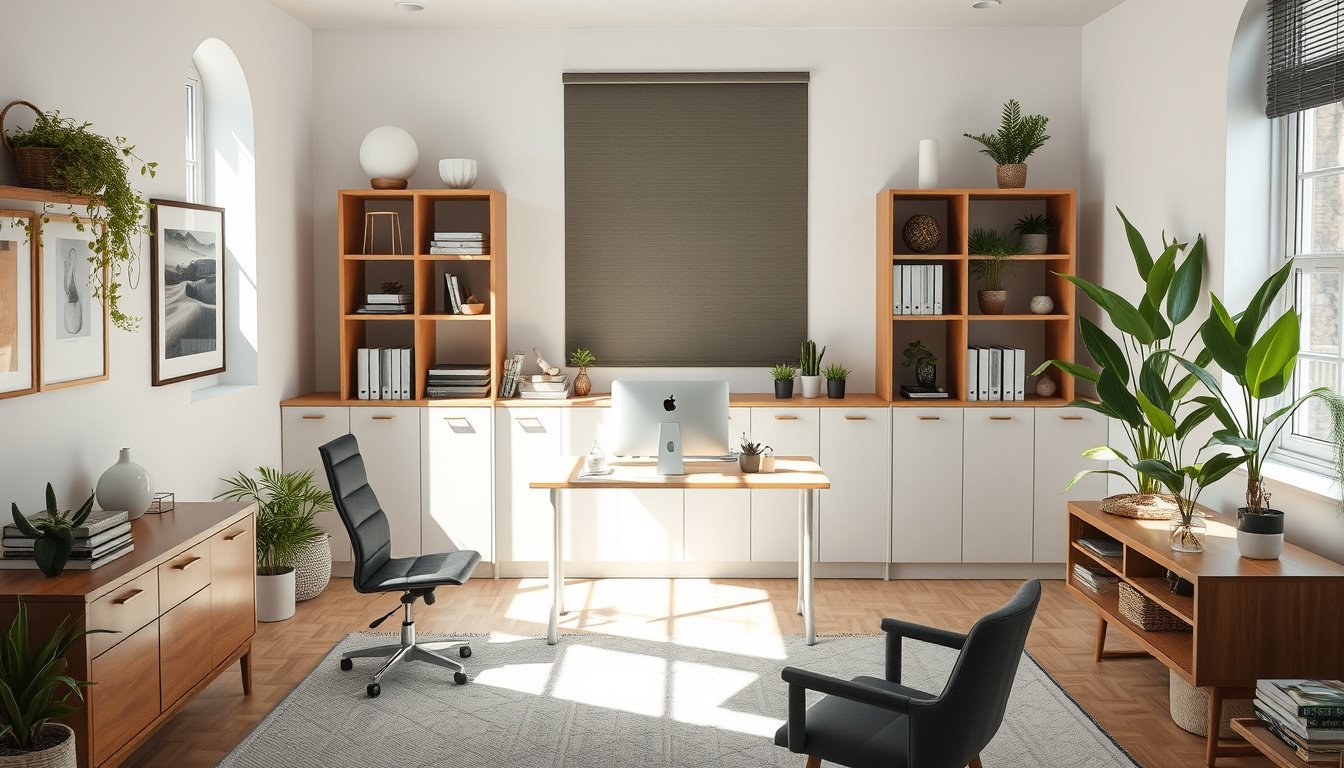
How to design a home office starts with a clear plan that supports focus, comfort, and the space available. A well-planned room can reduce fatigue, limit clutter, and make daily work feel more orderly.
The challenge is that many home offices must fit into spare bedrooms, corners, or shared rooms. Poor seating, weak task lighting, and tangled cables can quickly turn a useful area into a distracting one.
Design specialists often point to ergonomics as a major factor in sustained productivity, especially when people work long hours at home. An ergonomic chair, a standing desk, and natural light can change how a room feels and functions.
By the end, the reader will know how to choose a layout, select practical furniture, and plan details that support concentration. They will also be able to shape a workspace that looks composed and works well every day.
How to design a home office: start with the right space
Space selection determines whether a home office supports focused work or becomes a storage room with a chair. How to design a home office begins with choosing a zone that limits interruption, fits equipment, and leaves enough clearance for movement.
A quiet corner near a door can still fail if traffic passes through it every ten minutes. Most people choose the brightest room first, but the better choice is the space with the fewest interruptions and the cleanest wall for a desk, task lighting, and cable management.
Choose a quiet zone
How to design a home office starts with noise control, not furniture shopping. A spare bedroom, enclosed alcove, or underused landing often works better than a large open room because sound and visual movement stay lower.
A consultant who moved a workstation from a kitchen table to a 7-by-8-foot guest room cut background interruptions from roughly twelve per hour to three during client calls. That change mattered more than a new ergonomic chair because concentration improved before comfort adjustments even began.
Measure the usable footprint
How to design a home office also requires measuring what remains after doors, radiators, and walk paths are excluded. A room that measures 10 by 12 feet may offer only 6 by 10 feet of usable area once circulation is protected.
Measure wall length, door swing, and the depth needed for a standing desk or standard desk before buying anything. A tape measure reveals a common mistake: a room can look generous, yet still leave no room for a chair to roll back without hitting a bed or cabinet.
Apply the Space-Use-Noise Method
The Space-Use-Noise Method ranks each possible room by three checks: usable square footage, daily traffic, and sound spill from nearby activities. How to design a home office becomes easier when the highest score goes to the location that supports work, not the one that merely looks available.
That framework often favors a smaller room with a door over a larger shared area with constant movement. When the right space is chosen first, later decisions about natural light, task lighting, and furniture placement become far more disciplined.
Why does a home office layout affect productivity?
How to design a home office starts with a layout that reduces friction, because every extra reach, turn, or search interrupts concentration. A room that places the desk, storage, and power access in a clear sequence lets work begin faster and continue with fewer interruptions.
Reduce distractions
Most people lose time not from difficult tasks, but from visual noise and constant micro-decisions. When How to design a home office keeps the desk facing a controlled view, with cable management hidden and task lighting fixed, attention stays on the screen instead of the room.
A consultant who moved a printer, chargers, and paper files into one side cabinet cut her daily setup time from 12 minutes to 3 minutes. That change did not come from new equipment; it came from removing small obstacles that broke her rhythm.
Support posture and movement
A layout also shapes physical strain, which affects how long a person can work without fatigue. Research from the Washington State Department of Labor and Industries found that ergonomic improvements can raise productivity by about 10%, a useful benchmark when How to design a home office is judged by output, not appearance.
An ergonomic chair near a standing desk works best when the user can switch positions without moving cords, bins, or monitors. The unexpected point is that a cramped room can still support high performance if the path between sitting, standing, and storage stays short and predictable.
Use a simple workflow path
How to design a home office should follow the order of the day: enter, sit, work, store, and leave. That sequence reduces hesitation, which matters because repeated setup choices drain mental energy before the first task begins.
When the workflow path is clear, the room supports habits instead of fighting them. How to design a home office then becomes a matter of directing movement, not filling space.
What furniture and equipment should you choose?
How to design a home office starts with matching furniture to the work pattern, not the room’s appearance. Most failures come from buying a desk first and treating the chair as an afterthought.
This comparison shows where the budget should go so the setup supports long sessions without clutter or strain. A person working six hours a day at a 120-centimeter desk with an ergonomic chair usually notices fewer posture shifts than someone with a larger desk and poor seating.
| Feature | Desk | Chair |
|---|---|---|
| Primary purpose | Holds work tools and surface tasks | Supports posture during long sessions |
| Best size | Enough depth for monitor and keyboard | Fits body height and seat width |
| Key adjustability | Height or sit-stand range | Seat, arms, lumbar, and tilt |
| Storage needs | Drawers only if papers stay visible | No storage; focus on movement |
| Budget priority | Moderate, unless standing desk is needed | Highest for daily comfort and support |
That table points to a simple rule: chair quality usually matters more than desk extras. A standing desk can help, but task lighting, cable management, and monitor height often shape daily comfort more than decorative storage.
How to design a home office becomes easier when the desktop stays clear and the chair does the heavy work. A 24-inch monitor at eye level, a keyboard close enough to keep elbows relaxed, and a lamp aimed from the side reduce the small corrections that interrupt concentration.
Desk size and surface
A desk should fit the monitor, keyboard, and a notebook without forcing items into layers. Matte surfaces reduce glare near natural light, while deeper tops suit dual monitors or a laptop stand.

Chair support and adjustability
An ergonomic chair should adjust seat height, lumbar support, and arm position. If the feet do not rest flat after adjustment, the chair is the wrong match, even if the upholstery feels premium.
Monitor, keyboard, and lighting basics
How to design a home office also depends on the smaller tools that sit beside the furniture. A monitor arm, external keyboard, and task lighting often solve more discomfort than a larger desk ever can.
The best purchase order is chair first, then desk, then accessories that control posture and glare. How to design a home office becomes practical when each item earns its place by reducing friction during work.
Lighting, storage, and cable planning
How to design a home office works best when lighting, storage, and cables are arranged before daily use begins. Most people place each item where it fits, then spend months correcting glare, clutter, and tangled cords.
- Layer ambient and task lighting so the desk is bright without washing out the room.
- Create storage zones for active files, reference material, and seldom-used supplies.
- Hide and route cables along the desk rear edge, then down one leg only.
Layer ambient and task lighting
Start with ambient light from a ceiling fixture or a lamp placed away from the monitor, then add task lighting aimed at paper work. A standing desk near a window can still need a shaded lamp, because natural light changes through the day and can leave one side of the face in shadow.
A practical setup uses a 500-lumen desk lamp for reading and a softer room light for background balance. For How to design a home office, the goal is not brightness alone; it is even visibility that reduces eye strain during long sessions.
Create storage zones
Assign the top drawer to daily tools, a shelf within arm’s reach to active folders, and a closed cabinet to backup items. A room that holds 12 binders, two printers, and an ergonomic chair needs clear boundaries, or the desk becomes a catchall.
The unexpected detail is that storage should follow frequency, not category, because rarely used objects create the most visual noise when they sit near the work surface. How to design a home office improves when storage removes decisions before work starts.
Hide and route cables
Run power strips under the desk, separate charging leads from monitor cables, and leave a small service loop so the chair never tugs a connector loose. A common mistake is crossing cables behind the legs, which makes vacuuming harder and increases wear at the plugs.
For a desk with a laptop, monitor, and lamp, three labeled cords are usually enough to keep maintenance simple. How to design a home office becomes cleaner when cable management is treated as part of the layout, not as an afterthought.
How to personalize the office without losing focus
How to design a home office becomes more practical when personality supports attention instead of competing with it. Most people lose focus because decoration multiplies visual decisions, not because the room lacks style.
Use color with intention
Choose one accent color and repeat it in small, controlled places such as a notebook, lamp base, or chair cushion. A designer who tested a navy accent wall behind a desk found that the room felt calmer when the rest of the palette stayed neutral, which is a useful pattern for How to design a home office.
Natural light should remain the visual anchor, while task lighting can stay plain and functional. The unexpected detail is that bright art near the monitor can be more distracting than a busy wall, because the eye keeps returning to high-contrast edges during work.
Add comfort without clutter
Comfort works best when it comes from one or two deliberate objects, not a collection of extras. An ergonomic chair with a single lumbar cushion, a standing desk with one framed print, or a plant on a low shelf can make the room feel personal without crowding the field of view.
How to design a home office also depends on restraint at arm’s length, since that is where distraction begins. If a person can reach six decorative items from the chair, the desk usually holds too much.
Avoid common design mistakes
Many people place sentimental objects directly in the sightline, then wonder why attention fractures during calls. A better rule is to keep personal items behind the working zone, where they can be seen during breaks but not during focused work.
One practical test is to sit down for ten minutes and count the objects that compete with the screen. If the count rises above three, the room needs fewer visual cues, not more, and How to design a home office should stay centered on calm repetition rather than decoration.
Frequently Asked Questions
What is the best way to design a home office?
Designing a home office is the process of defining a work zone, selecting ergonomic furniture, controlling lighting, and limiting distractions. Those choices shape how well the room supports daily concentration and sustained use. A clear layout matters more than decorative detail.
How do I design a home office in a small space?
1. Choose a compact desk that fits the room cleanly. 2. Add vertical storage to free the floor. 3. Mount lighting and plan cables before setup. Small rooms work best when every item has a fixed purpose and no part of the layout feels temporary.
What furniture do I need for a home office?
A desk, an adjustable chair, task lighting, and storage are the core pieces. The right mix depends on the type of work and the room size. A person who uses paper files, multiple screens, or long video calls may need different storage and support than someone who works mainly on a laptop.
How can I make my home office more productive?
1. Place the desk away from the main sources of interruption. 2. Keep daily tools within arm’s reach. 3. Use lighting and storage that support a steady workflow. Productivity rises when the room reduces small decisions and keeps attention on the task instead of the environment.
Should a home office face a window?
A window is better when it brings in useful natural light without creating screen glare or pulling attention outdoors. A desk can face the window, but only if reflections and movement do not interrupt work. Side placement often gives a better balance of light and focus.
Final checks before setting up your workspace
The two most important takeaways are clear: the room should support focus, and the layout should match the work being done. A home office works best when the desk position, furniture, and light all reduce friction instead of adding it. Those choices shape how usable the space feels every day.
Review the room once more, then mark the exact desk position and test it for glare, reach, and movement. Confirm that the chair, storage, and cable path all support the same workflow before anything is fixed in place. Start by placing the desk, then sit in the chair and check the view, light, and reach.