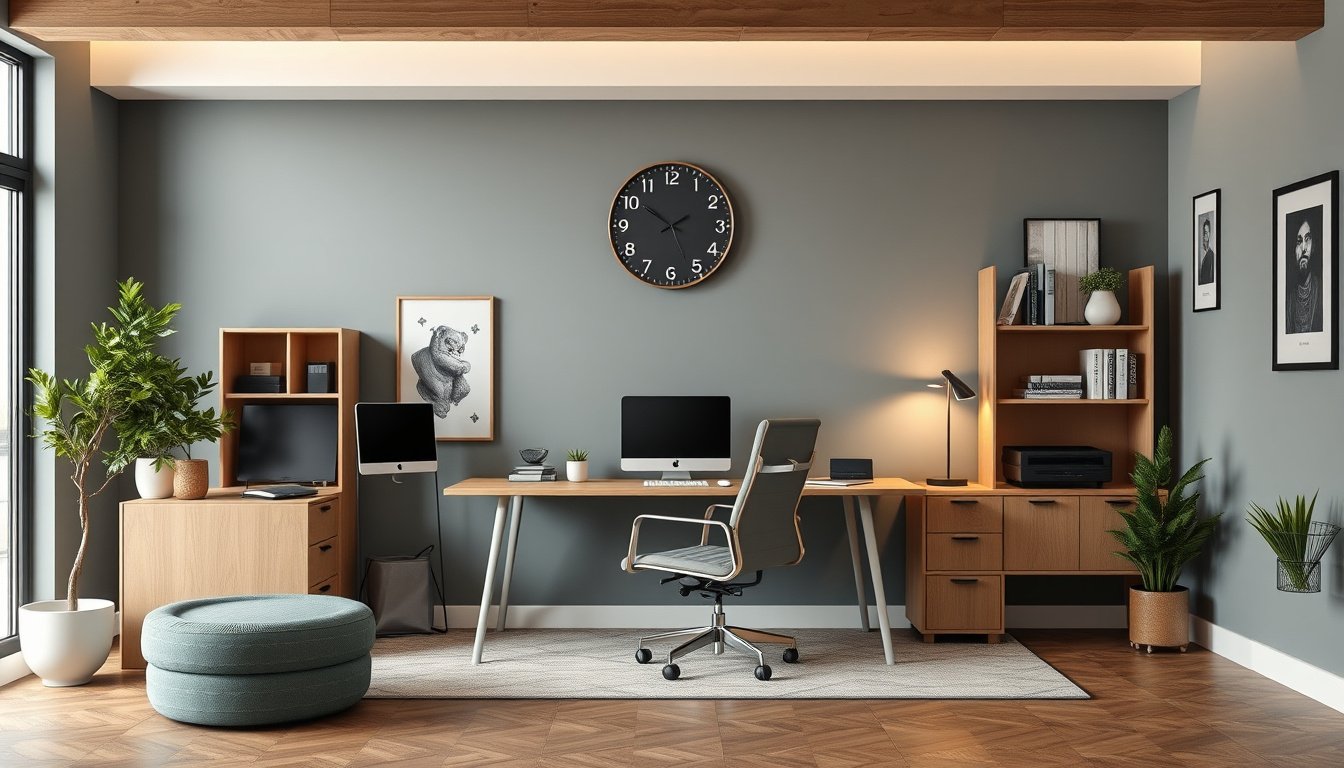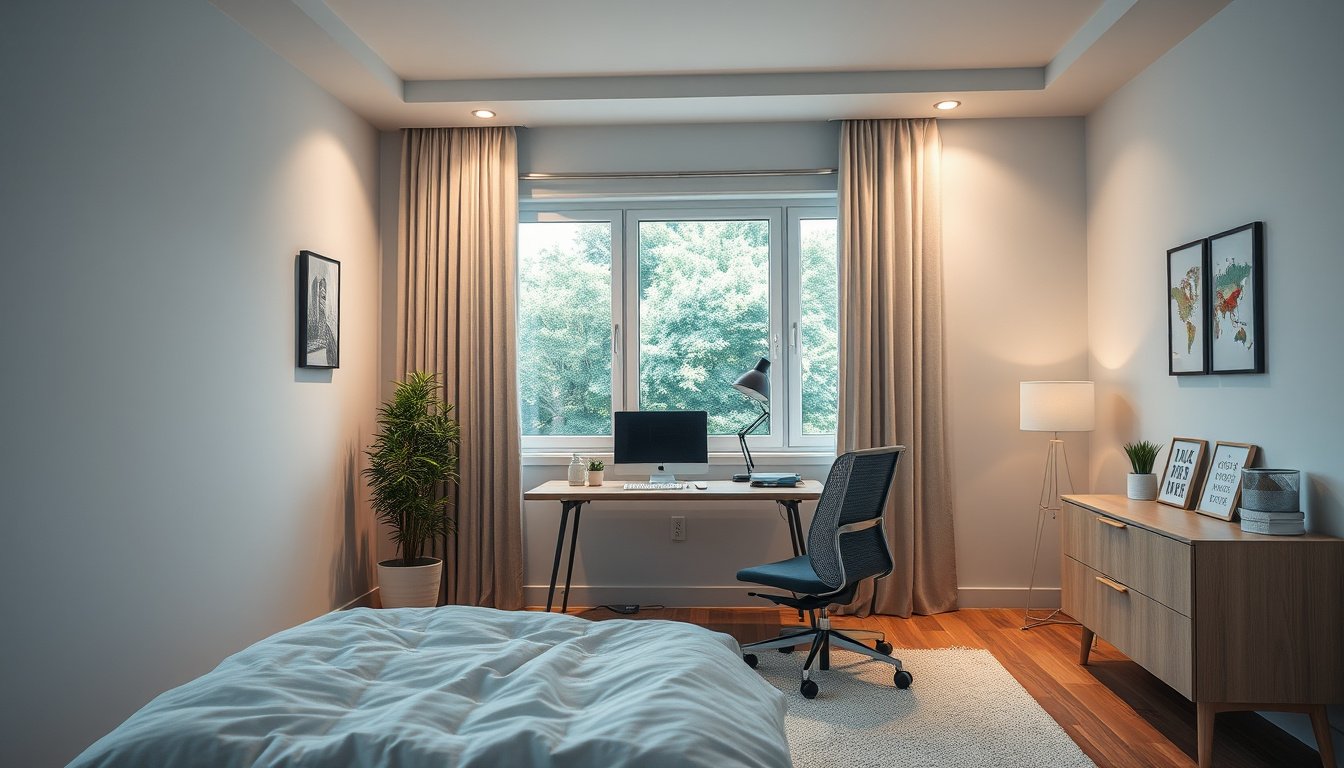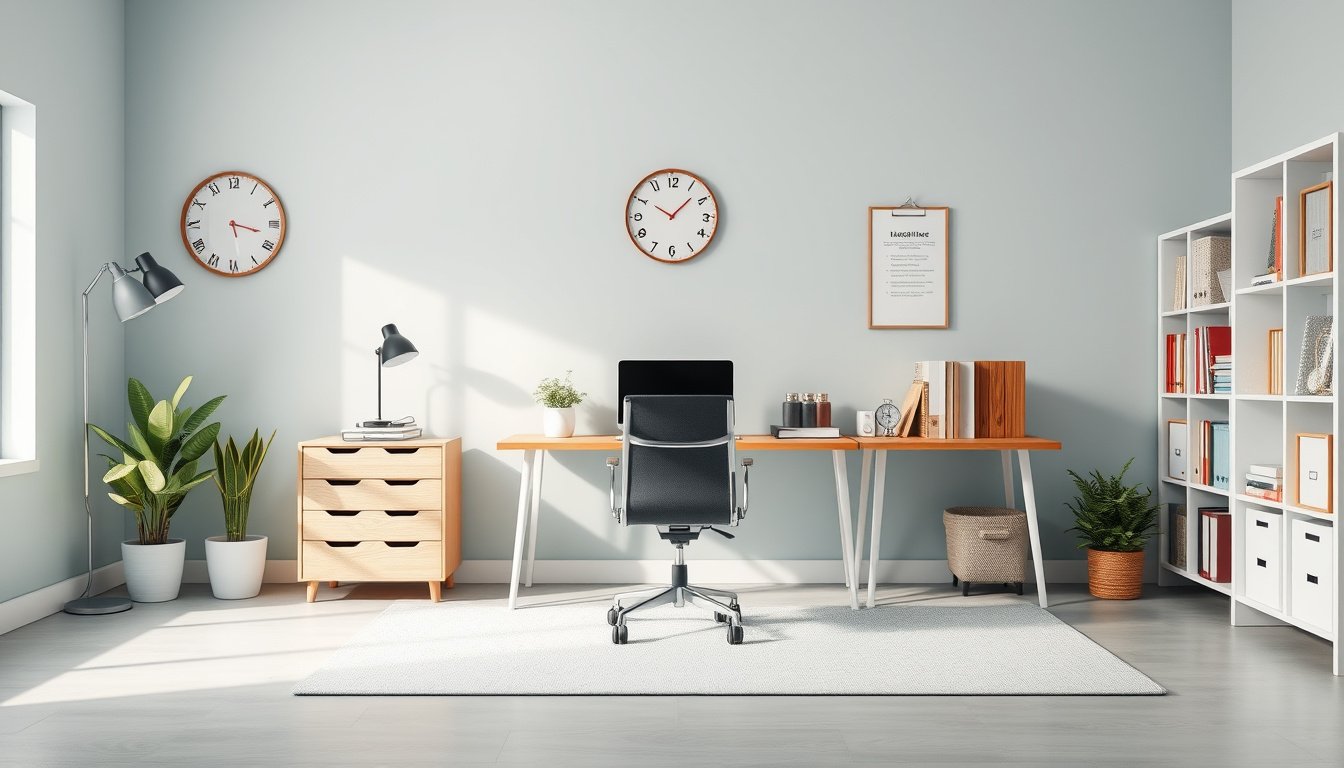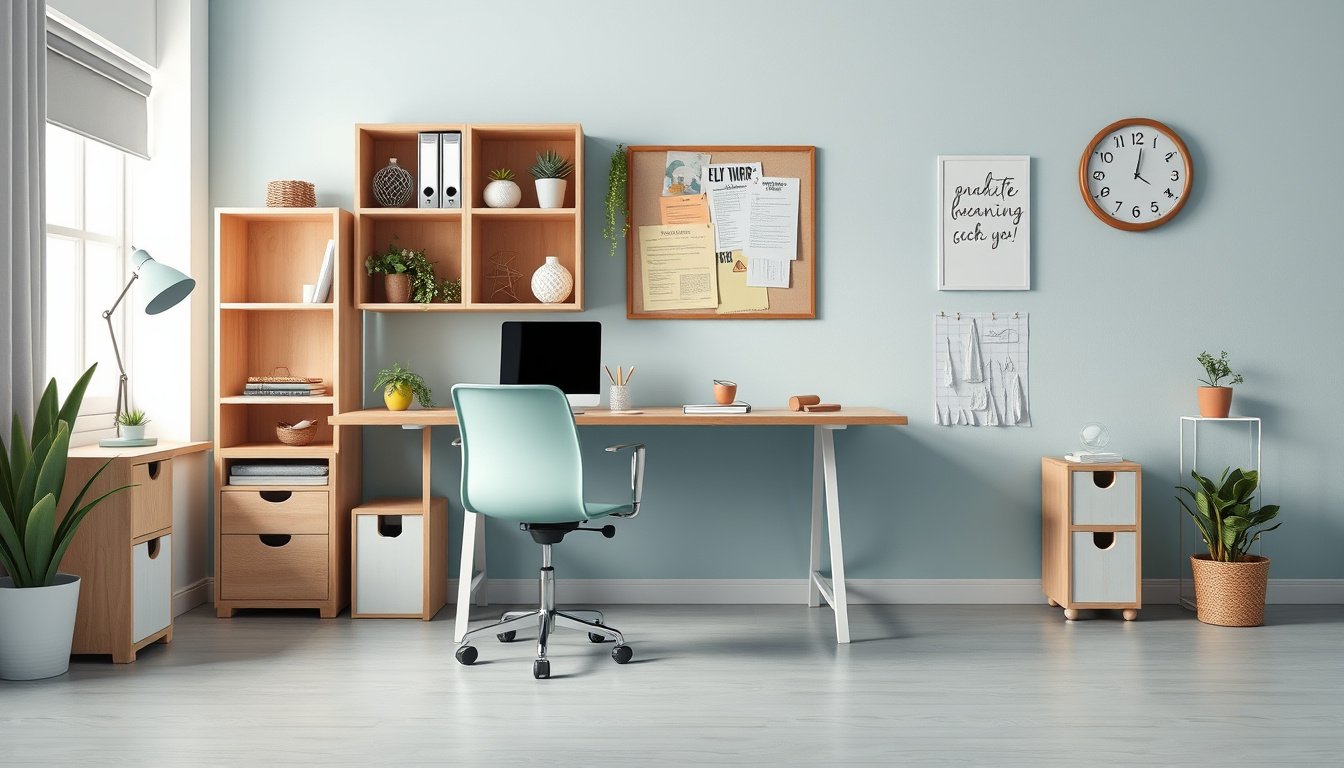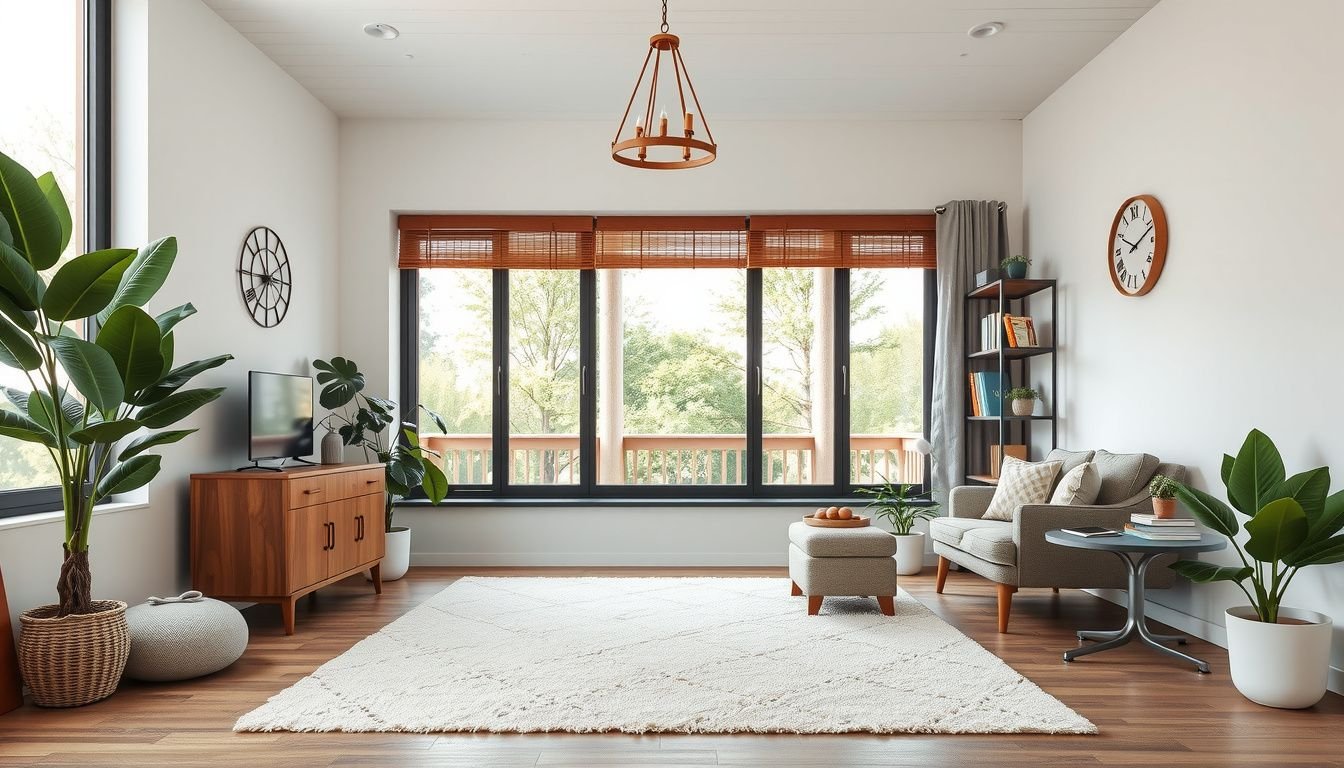
How can someone create a focused, stylish workspace at home without turning their spare room into a cluttered storage zone? That’s where learning how to decorate a home office becomes a game-changer.
The right setup supports deep work, reduces stress, and still looks good on video calls. With a few intentional choices in layout, color, lighting, and storage, a basic desk-and-chair corner can feel like a tailored, professional studio.
They’ll see how to:
- Plan a layout that fits their room and work style
- Choose colors, lighting, and furniture that boost focus
- Add decor and storage that look clean, not crowded
Look at a simple example: a small 8×10 room with a window and one blank wall. By placing the desk facing the door, adding a neutral rug, a task lamp, two floating shelves, and one large framed print, a once-awkward guest room becomes a calm, camera-ready office that supports longer, more productive work sessions.
Clarify Work Needs and Define the Home Office Purpose
Now they need to get specific about how this workspace will actually be used day to day. Vague goals lead to cluttered, unfocused rooms.
They should start by listing their core work activities. For example, do they spend most of the day on video calls, designing visuals, writing reports, or handling physical paperwork? Each task has different lighting, storage, and sound needs.
Next, they can define the room’s primary role:
- Dedicated office for full-time remote work
- Hybrid space shared with guests, hobbies, or a partner
- Occasional-use study or admin corner
A clear purpose guides every decor choice, from desk size to wall color. A full-time office might need ergonomic furniture and acoustic panels, while a part-time study can prioritize flexible, lighter pieces.
Real-world example: A marketing manager who spends 5+ hours on calls daily defines their office purpose as “quiet, camera-ready meeting space,” so they plan for a neutral backdrop, soft desk lamp, and a no-clutter wall behind the chair.
Measure the Space and Plan an Efficient Layout
Once the purpose is set, they can measure the room and map a layout that supports focus and movement. Guessing leads to cramped desks and awkward furniture gaps.
They should measure:
- Room length and width
- Ceiling height
- Window positions and sizes
- Door swing and any built-ins or radiators
With those numbers, they can sketch a simple floor plan. The desk should sit where there’s minimal glare on the screen, ideally with natural light from the side, not directly behind or in front.
For anyone researching how to decorate a home office, layout matters more than accessories. They can create zones: a “focus zone” (desk and chair), “storage zone” (shelves, filing), and “thinking zone” (small chair or standing area).
Practical example: In a 9×10 ft room, a writer places a 48-inch desk facing a side wall near the window, a low bookcase behind the chair, and a slim floor lamp in the corner, leaving a clear walking path to the door.

Choose a Cohesive Color Palette and Style Direction
Now that the layout’s clear, they can decide how to decorate a home office in a way that feels intentional, not random. The fastest path is choosing a tight color palette and a simple style direction.
They should start with a base of 1–2 neutrals for walls and large furniture, then add 2 accent colors. Neutrals like soft white, warm beige, or light gray keep the room bright and reduce visual noise on long workdays.
Next, they can define a style direction that matches how they want to feel while working:
- Minimal & modern – clean lines, black/white/gray, matte finishes.
- Warm & cozy – wood tones, warm whites, terracotta or rust accents.
- Creative & bold – color blocking, art prints, patterned textiles.
A practical example: a remote designer chooses warm white walls, oak wood tones, and accents of forest green and black. Art, storage boxes, and a desk lamp all follow those colors, so every new item either fits the palette or doesn’t get bought.
Pro tip: They should repeat the same 2–3 colors across textiles, storage, and decor. A limited palette makes even budget pieces look cohesive and professional on video calls.
Select Essential Furniture for Comfort and Ergonomics
With the style direction set, they can select furniture that supports long work sessions without sacrificing aesthetics. The priority is comfort, ergonomics, and scale, not just looks.
They should begin with three essentials:
- Desk: Deep enough (at least 24″) for screen distance, with cable access and space for writing.
- Chair: Adjustable height, lumbar support, and breathable fabric for all-day use.
- Task lighting: A desk lamp with adjustable arm and warm-white LED bulb.
Next, they can add storage that fits the measured layout: a slim drawer unit under the desk, a low cabinet behind the chair, or wall-mounted shelves to keep the floor clear. Every piece should respect walking paths and door swing.
For example, someone working from a 6′ x 8′ nook might choose a 48″ wall-mounted desk, a compact ergonomic chair, and a vertical shelving unit instead of a bulky bookcase. They gain surface area and storage without crowding the room.
Common mistake: buying oversized “executive” furniture that dominates the space. Scaled-down, ergonomic pieces nearly always create a more efficient and visually calm office.
Optimize Lighting and Screen Placement for Eye Comfort
Now that the core layout and furniture are set, they can fine-tune lighting and screen placement to reduce eye strain and improve focus. Good lighting prevents headaches, squinting, and washed-out screens.
Start with layered lighting:
- Ambient: ceiling fixture or wall lights for general brightness.
- Task: adjustable desk lamp aimed at the work surface, not the eyes.
- Accent: a floor lamp or LED strip to soften contrast and add warmth.
Place the desk so the monitor sits perpendicular to windows to avoid harsh glare. The top of the screen should be at or slightly below eye level, about an arm’s length away.
They should use warm-to-neutral bulbs (2700K–4000K) and avoid mixing too many color temperatures in one room. A dimmable desk lamp lets them adapt to changing daylight.

Example: A designer working beside a bright window moves their monitor 90 degrees, adds a matte screen filter, and uses a swing-arm lamp; their afternoon eye fatigue drops dramatically.
Add Storage, Organization, and Cable Management
Once lighting is dialed in, storage and cable management keep the office calm instead of chaotic. Visual clutter quietly drains focus and makes the space feel smaller.
They should start by grouping storage into three zones:
- Daily reach: desktop tray, pen cup, small drawer for essentials.
- Weekly use: shelves or a credenza behind or beside the desk.
- Archive: labeled boxes or a filing cabinet away from prime workspace.
Use matching boxes, magazine files, and drawer dividers so everything has a defined home. Keep open shelving styled with a mix of books, baskets, and 1–2 decor pieces per shelf to avoid visual overload.
For cables, they can:
- Mount a cable tray under the desk.
- Use Velcro ties to bundle cords by device.
- Label chargers and adapters at both ends.
Real-world example: A remote worker adds a rolling file cabinet under the desk, a wall-mounted shelf above, and a simple cable raceway along the baseboard; the room instantly looks cleaner and is far easier to maintain.
Personalize the Space with Decor, Plants, and Textures
Now the functional pieces are in place, they can focus on how to decorate a home office so it feels personal, calm, and motivating. Thoughtful decor, plants, and layered textures turn a generic workstation into a space they actually want to use every day.
They should start by choosing a few meaningful decor anchors rather than cluttering every surface. Ideal options include:
- One statement wall piece (art, framed print, or pinboard)
- Personal photos in simple, matching frames
- One or two sculptural objects on a shelf or credenza
Next, they can bring in plants to soften lines and improve air quality. Low-maintenance choices like snake plants, pothos, or ZZ plants work well near the desk, while a single taller plant can anchor an empty corner and visually balance the room.
To avoid a flat, sterile look, they should layer textures that align with their style direction. They can mix a soft rug under the chair, a woven basket for storage, a knit throw on the reading chair, and linen or cotton curtains to diffuse light and reduce echo.
Look at a practical example: a graphic designer working in a small spare bedroom uses a neutral rug, a cork pinboard above the desk, a trailing pothos on a wall shelf, and two black-and-white family photos in thin black frames. The space still feels professional, but those elements quietly signal that it’s theirs.
They should keep the desktop itself mostly clear, reserving decor for vertical surfaces and shelves. A good rule: no more than three decorative items on the desk (plant, lamp, and one personal object) so visual interest never interferes with focus.
What to Do Now
Now that they understand how to decorate a home office, the next move is to translate those ideas into a simple, actionable plan. They don’t need to overhaul everything at once; small, intentional changes stack up fast.
They can move forward in three quick passes:
- Day 1: Clear the space and define the layout on paper.
- Day 2: Order or reposition key pieces, like the chair, desk, and lighting.
- Day 3: Add decor, plants, and textures, then fine-tune placement.
One remote designer, for example, blocked off a single weekend to follow this exact sequence and went from a cluttered corner desk to a calm, client-ready backdrop. Their best next step is simple: pick a date on the calendar, set a 2–3 hour block, and start with one focused upgrade they can finish in that time.